


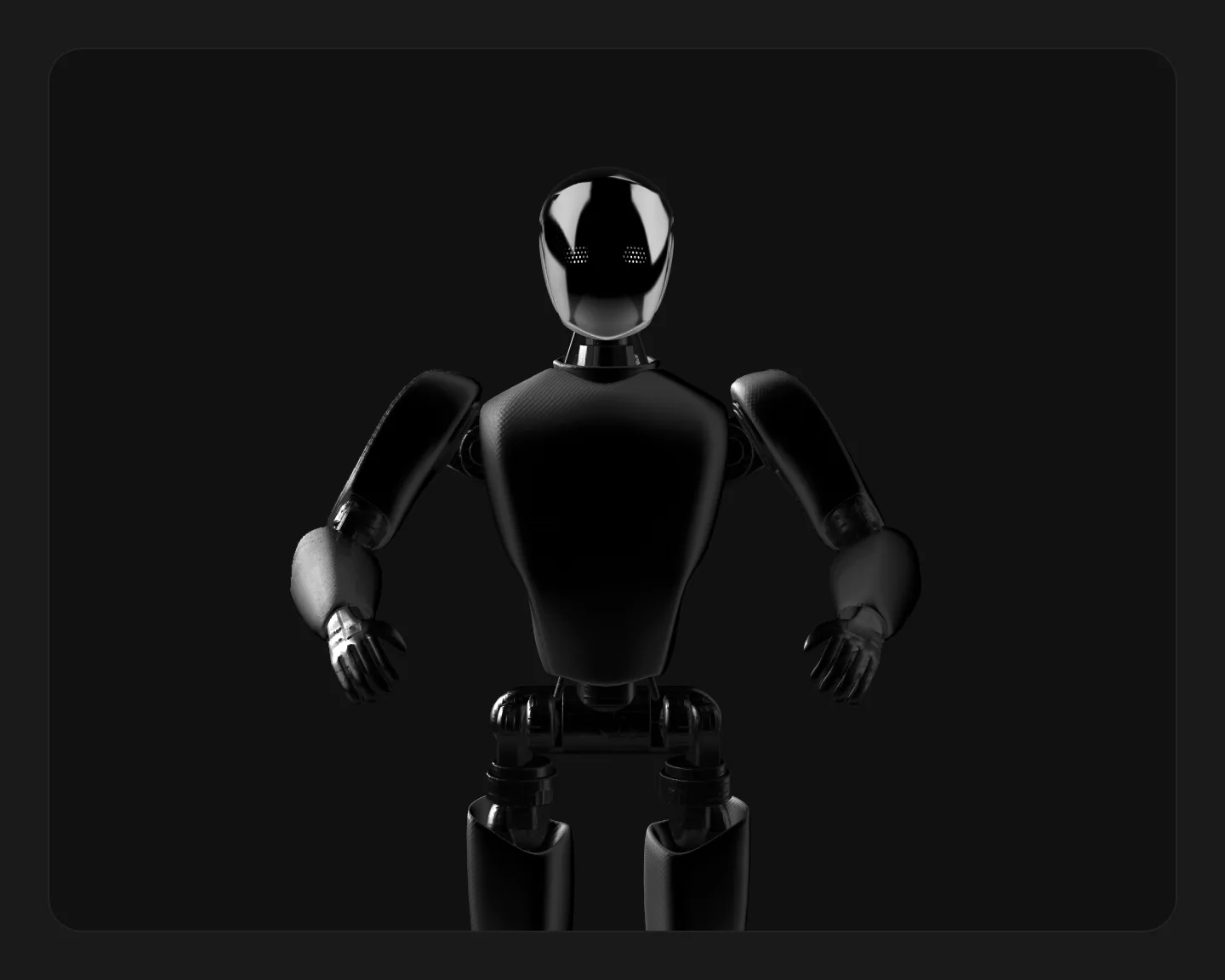


Interactive robot
An interactive 3D scene rendered with Spline and lazy-loaded when it mounts. Click and drag to orbit the model and explore it from any angle.
Overview
This component embeds an interactive 3D scene rendered with Spline. Point it at a published scene URL and it draws the model inside its container, with orbit, drag, and hover interactions handled by Spline itself. Click and drag to turn the model and explore it from any angle.
The Spline runtime is a heavy dependency, so it is lazy-loaded only when the component mounts. While the scene resolves you get a loading spinner, and a dead, slow, or erroring URL degrades to a placeholder panel instead of spinning forever.
Installation
Import the pattern from loosethreads:
import { InteractiveRobotSpline } from "@pulp/loosethreads/patterns"Usage
Publish a scene from the Spline editor (Export, then Public URL) and pass the .splinecode link as the scene prop. Wrap it in a positioned, fixed-height box; the scene fills that box:
import { InteractiveRobotSpline } from "@pulp/loosethreads/patterns"

// From the Spline editor: Export -> Public URL, then paste the .splinecode link.
const SCENE = "https://prod.spline.design/kZDDjO5HuC9GJUM2/scene.splinecode"

function Hero() {
  return (
    <div style={{ position: "relative", width: "100%", height: 520, overflow: "hidden" }}>
      <InteractiveRobotSpline scene={SCENE} />
    </div>
  )
}
Props
| Prop | Type | Default | Description |
|---|---|---|---|
scene | string | Required | Published Spline scene URL (a .splinecode link). In the Spline editor use Export, then Public URL. If the scene does not load within the timeout window the component falls back to a placeholder panel. |
Anatomy
The Spline runtime is loaded with a lazy import behind a Suspense boundary, so its chunk is only fetched when the component mounts. A spinner covers the box until the scene reports it has loaded. A timer guards against a scene that never loads: if it fires first, or the scene errors, the component swaps in a static placeholder panel instead.
Accessibility
- Loading state. The spinner is exposed to assistive tech as
role="status"with a label, plus visually-hidden "Loading 3D scene" text, so the wait is announced rather than silent. - Graceful failure. A dead or slow scene degrades to a placeholder panel, so the region never traps a user in an endless spinner.
- Motion. The rendered scene can contain ambient 3D motion, and this component does not gate that scene behind
prefers-reduced-motion. If your scene animates on load for more than five seconds, provide a reduced-motion alternative (for example a static image) to meet WCAG 2.2.2.
Next: Location map. Back to Canvas & 3D.