



Safari frame
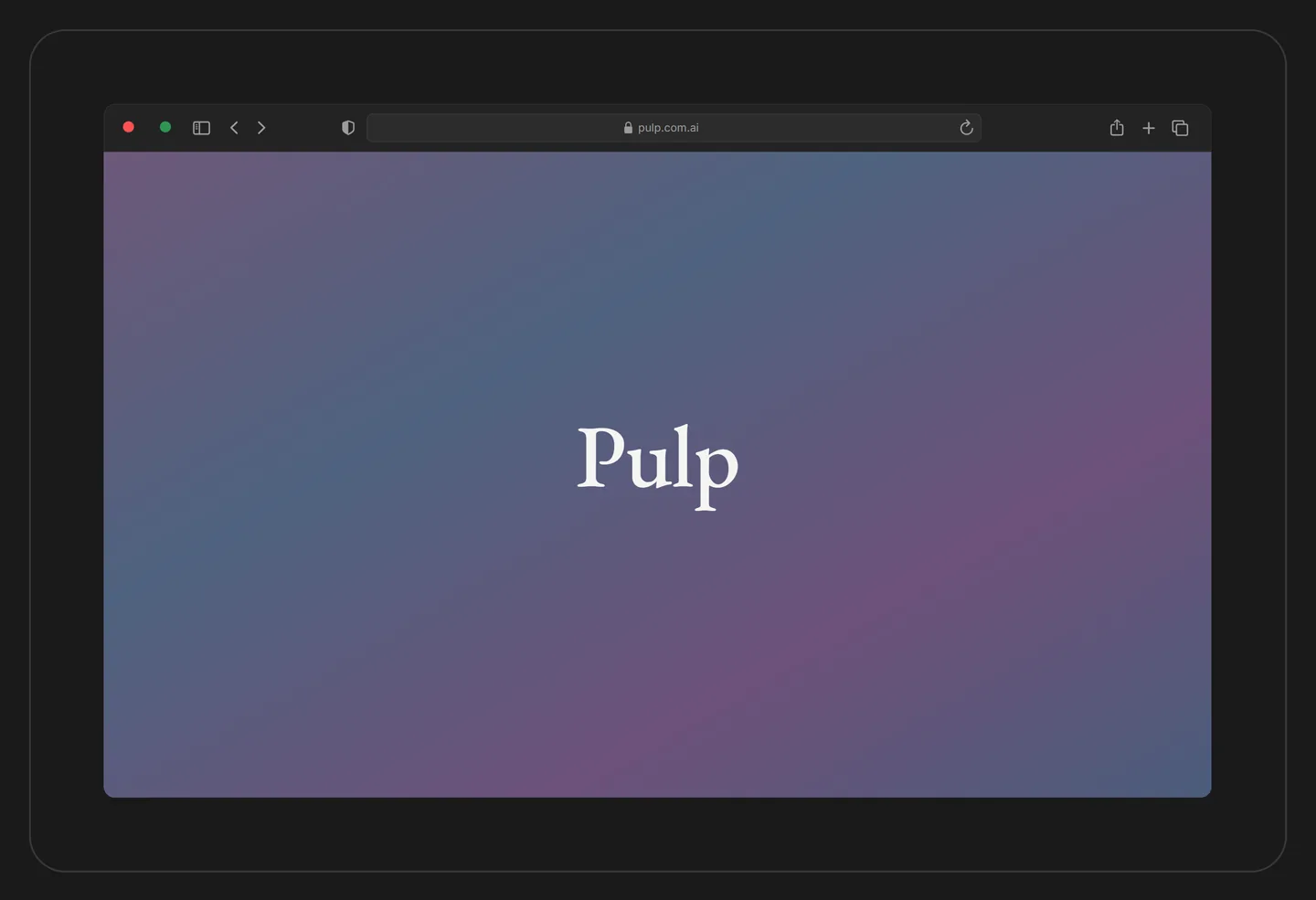
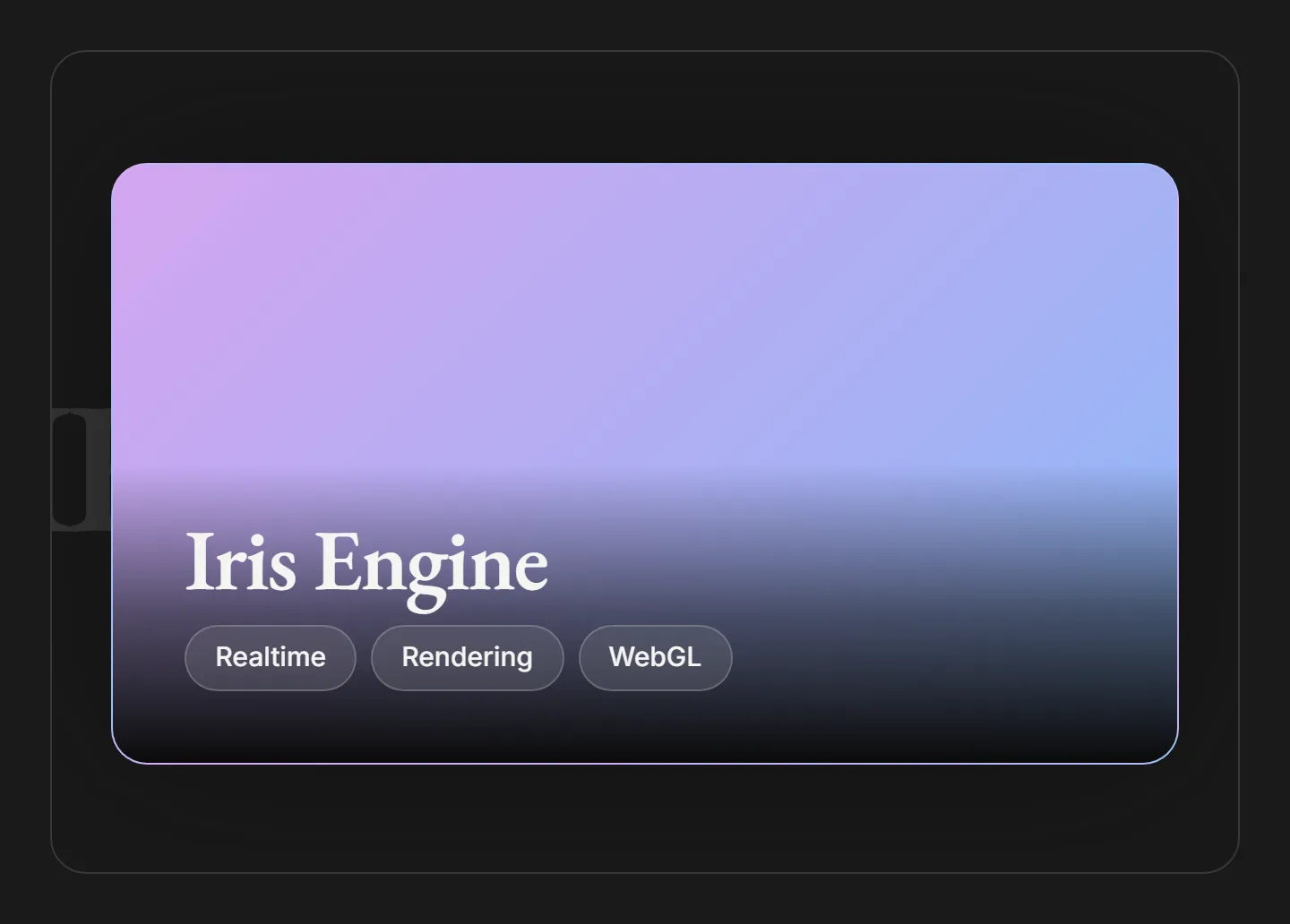
Safari frames a product view inside a macOS browser window, complete with traffic-light dots and an editable address bar. Change the url and watch it update in the toolbar.
Overview
Safari draws a macOS browser window as a single inline SVG: traffic-light dots, a toolbar with an address pill, and a screen area. It is a chrome frame for presenting a product view or wordmark inside a familiar browser shell, with no screenshot or network media required.
The frame keeps its native 1203 by 753 viewBox and scales fluidly through width: 100% / height: auto, so it fits any column while holding its aspect ratio. Every surface, outline, and dot is wired to a Pulp design token rather than a hardcoded color.
Installation
Import the pattern from loosethreads:
import { Safari } from "@pulp/loosethreads/patterns"Usage
Set the address bar with url and size the frame with a style or class. Because the root is an svg, any standard SVG attribute you pass is forwarded to it:
import { Safari } from "@pulp/loosethreads/patterns"

function BrowserPreview() {
  return (
    <Safari
      url="pulp.com.ai"
      style={{ width: "100%", height: "auto", maxWidth: 1203 }}
    />
  )
}
Props
| Prop | Type | Default | Description |
|---|---|---|---|
url | string | "pulp.com.ai" | Text shown in the address pill. Also folded into the accessible label as "Safari browser window showing {url}". |
...props | SVGProps<SVGSVGElement> | undefined | Any standard SVG attribute, spread onto the root svg. Use style or className to size and position the frame. |
Anatomy
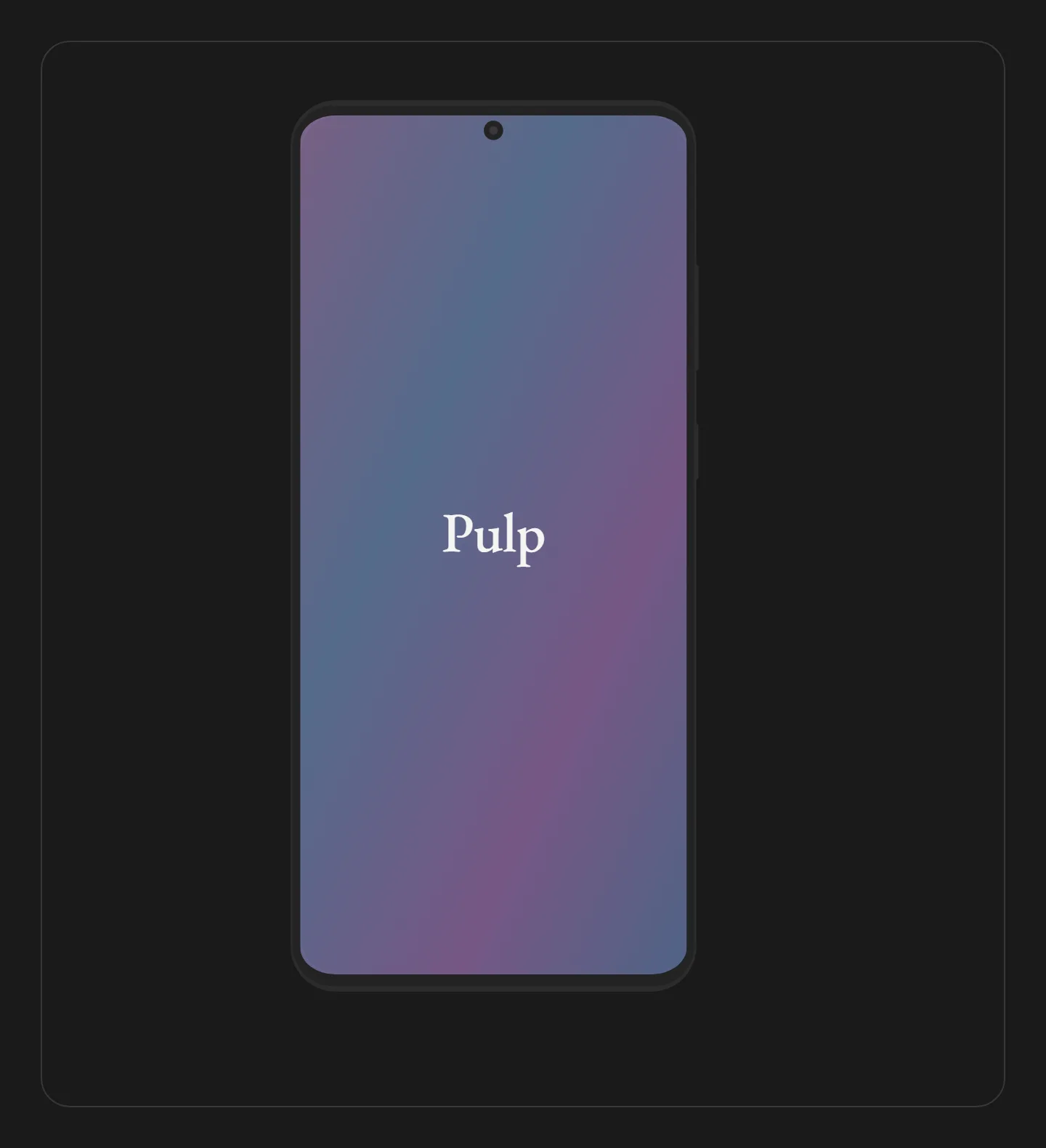
The window body and tab bar render as layered paths on --color-surface-elevated and --color-surface, outlined with --color-border. The three traffic-light dots use the danger, beige, and success tokens. The screen area is a clipped rect filled with a bg to surface base, an iris gradient wash over it, and a centered EB Garamond wordmark. The address text renders in --font-mono.
Accessibility
- Role and label. The frame is a single
role="img"with anaria-labelthat names the window and its URL, so the decorative screen content is announced as one image rather than a wall of paths. - Motion. Nothing animates. The frame is static, so no
prefers-reduced-motiongate is needed.
Next: iPhone frame. Back to Device & browser frames.